About this resource
Personalize names in vanilla letters
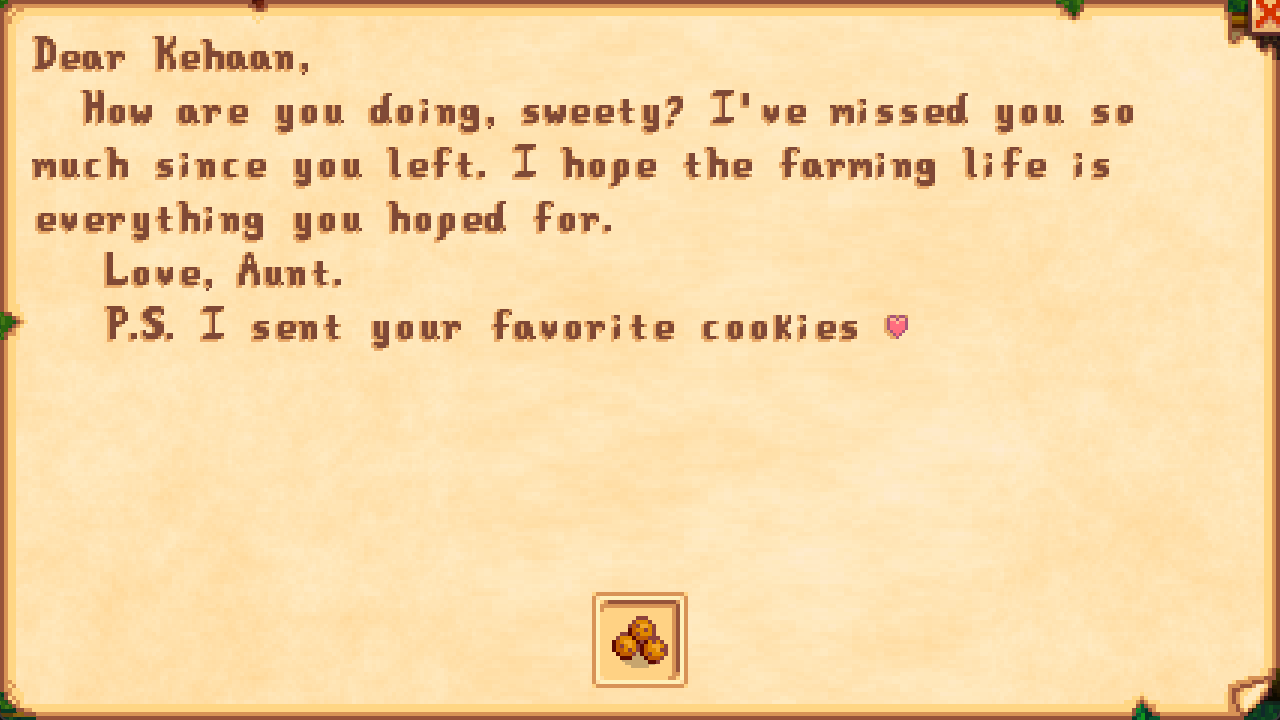
[CP] Kehaan Personalized Letters is a Content Patcher pack by Kehaan for Stardew Valley. It lets you replace names used in supported vanilla NPC letters, including letters from Mom and Dad, without changing the NPCs' actual names or their regular dialogue. The author's letter screenshot shows Mom renamed to Aunt.
Features and scope
- Customize letter names for 32 characters, plus Mom and Dad.
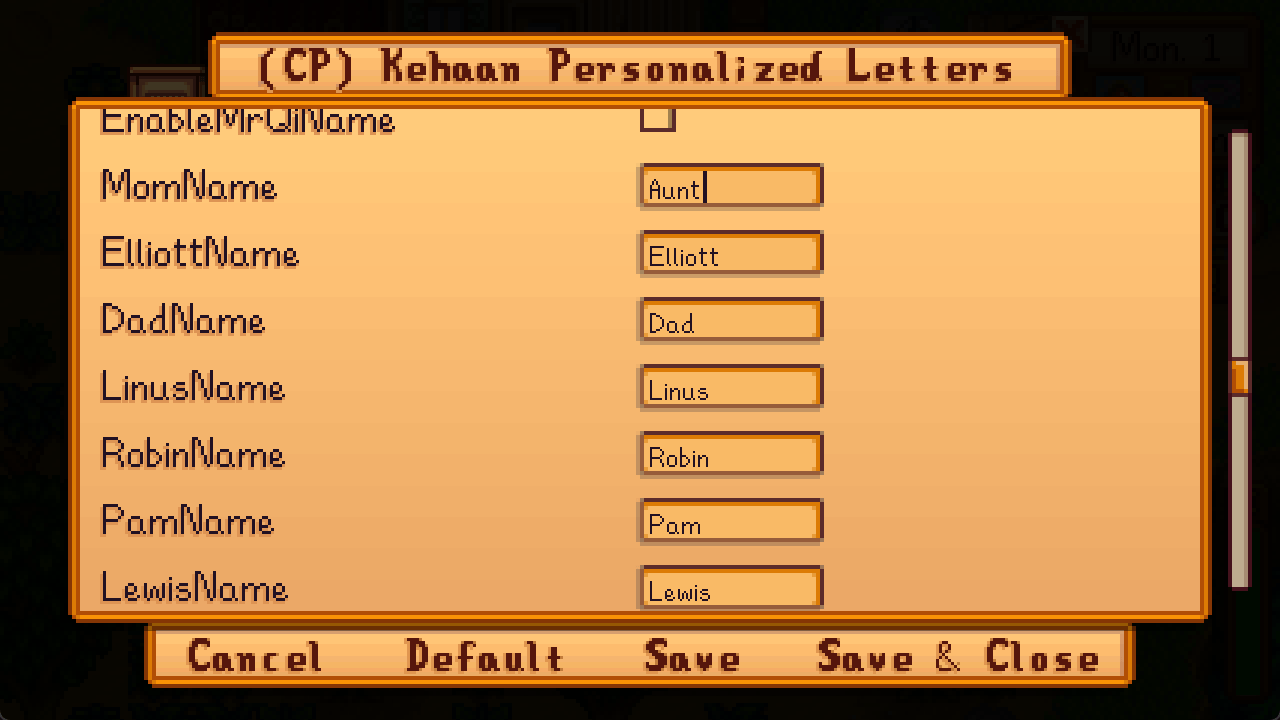
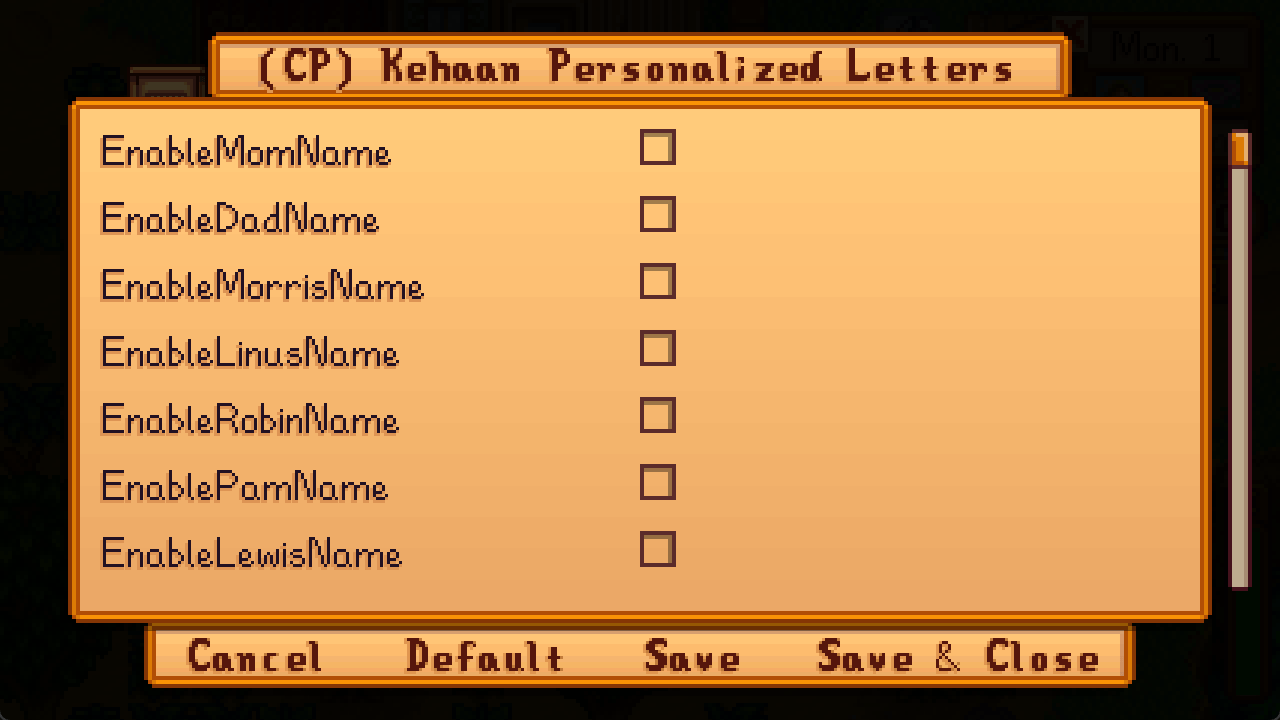
- Enable or disable replacements separately for each character and choose custom names.
- All name replacements are disabled by default.
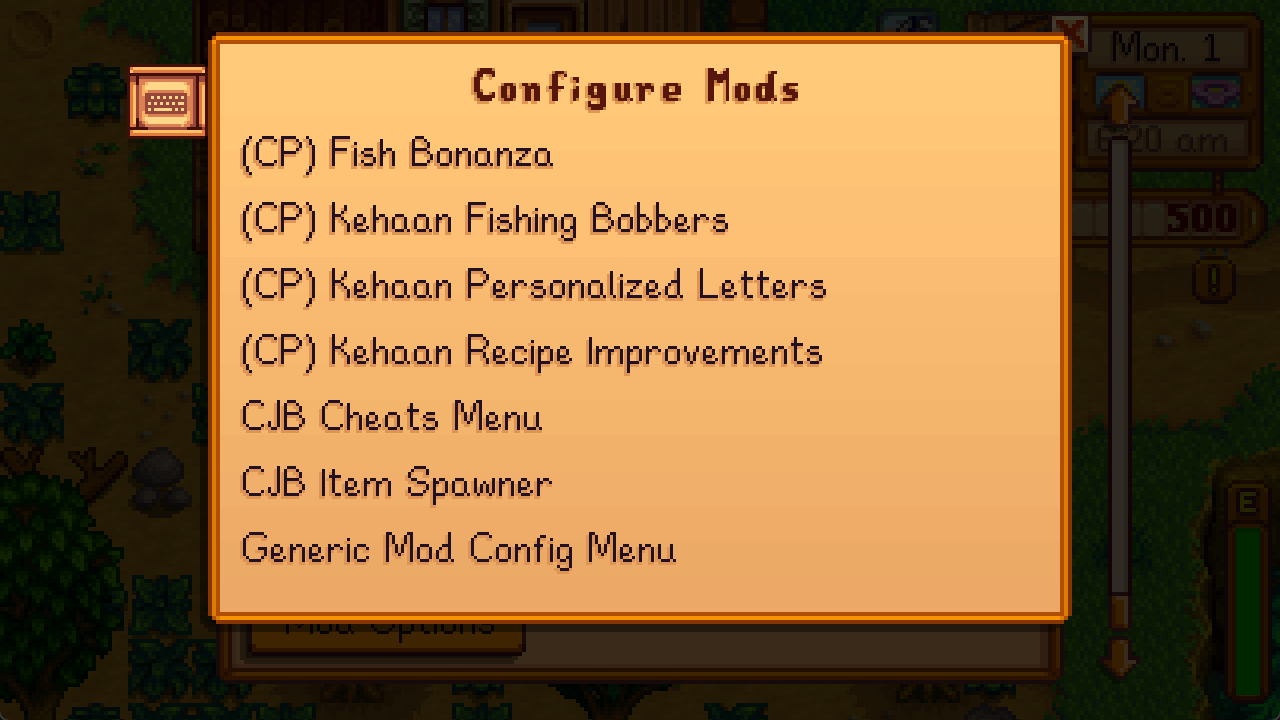
- Optionally use Generic Mod Config Menu (GMCM) to configure names in game.
- Only supported vanilla letters are affected; modded letters and other NPC interactions are not changed.
Version and requirements
- Pack version: 1.0.7.
- Game version listed for this file: 1.6.15. Compatibility with other game versions is not claimed here.
- Required: Content Patcher, in a working SMAPI setup.
- Optional: Generic Mod Config Menu (GMCM) for in-game configuration.
Installation and use
- Install and verify SMAPI and Content Patcher first.
- Extract
CP-Kehaan-Personalized-Letters-1.0.7.zip. Place the included[CP] Kehaan Personalized Lettersfolder inside the game'sModsfolder, keeping its contents intact. - Launch through SMAPI. If you want in-game configuration, install GMCM, enable replacements for the desired characters, enter their custom names and save your settings.
- If a letter still uses an original name, check that the corresponding replacement is enabled: all replacements start disabled.
Letter and configuration screenshots
The images show the letter example, custom names, per-character toggles and the mod configuration entry, in that order. The original interface language is retained; no translation is implied. Other mods visible in the configuration list are not required dependencies of this pack.